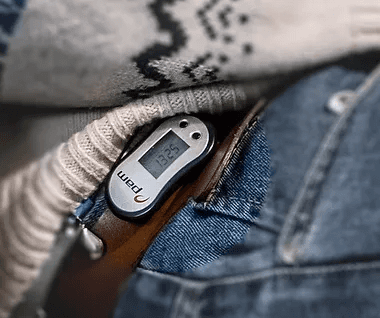
Confusing for rehabbers with little technological knowledge color contrast too small, PAM score not understandable.
Improved interface comprehension for rehabilitators!

One is to simplify the login system.
A smiley method. Here a red smiley is indicated when the rehabber needs to move more or less and a green smiley when the goal is achieved. Yellow and orange indicate the values in between.
Increase the color contrast of the movement pattern. This makes it easy to compare colors and to find out which color is the movement being looked at.
To deliver the desired product, research was then conducted on rehabilitators between the ages of 65-100 and caregivers. This research focused on design, usage, data display and data interpretation. This involved comparing various components from the old interface and the tested prototype, in addition to asking content questions to create a better picture and complete the program of requirements.
For this minor, I worked with other students in the field of work technology construction, and I was the only UX designer on the team. I made sure to explain how the design process should work so we could collaborate effectively. In this project, I conducted research, created prototypes, and performed testing, iterating on the design through multiple test cycles. This minor focused heavily on making and testing.